
On this page, you will discover how you can receive feedback in real time, conduct polls and start surveys and thus directly determine the satisfaction or knowledge levels of your students, for example. With the assignment course element, you can assign specific tasks, upload submissions and provide personalised feedback - ideal for precise performance assessment. The task pool with the ONYX test system supports the entire e-assessment process, from test creation to evaluation, for diagnostic, formative or summative tests in your teaching.
Receive feedback and carry out votes in real time
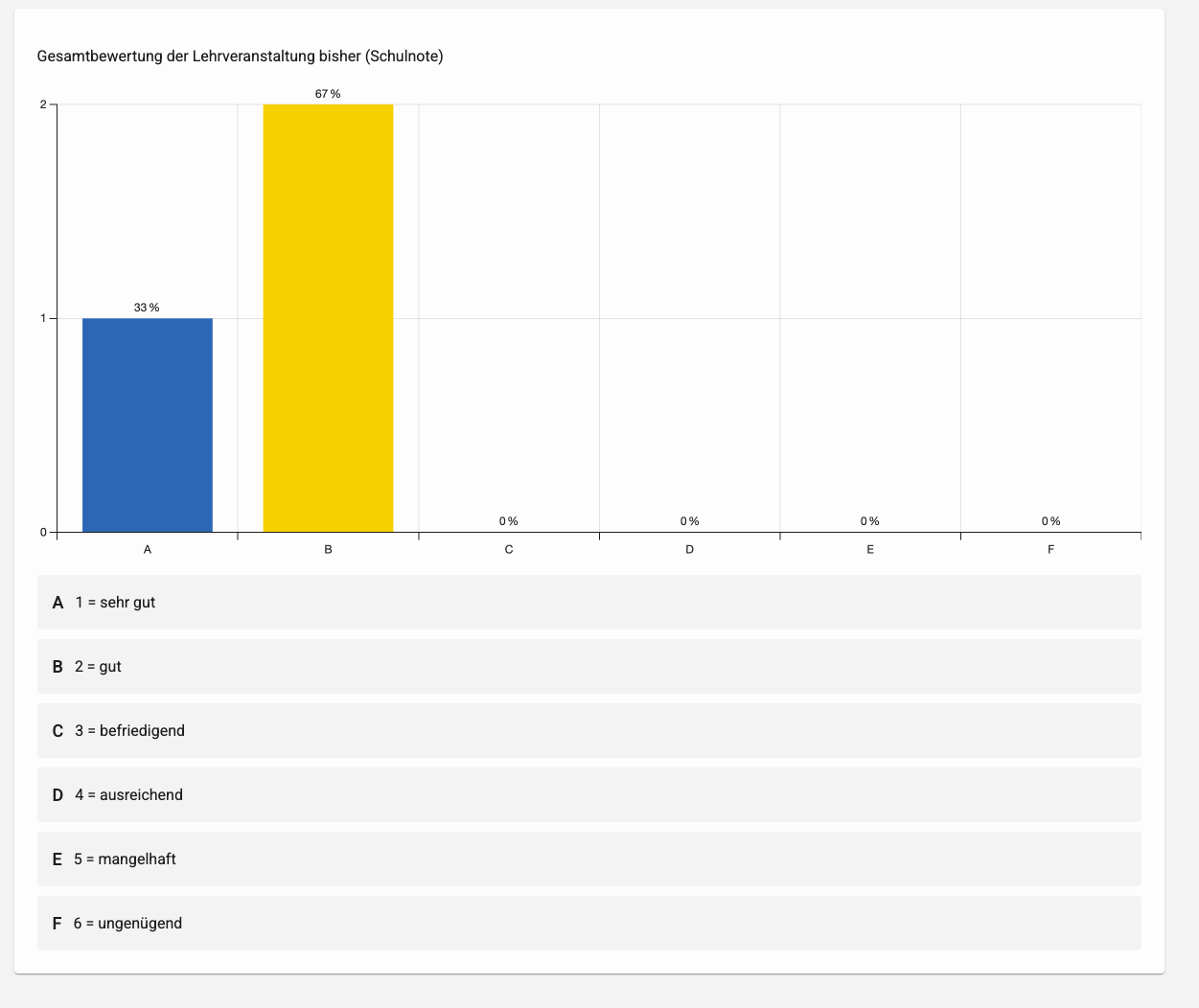
If you want to make your course more active and dialogue-oriented, whether face-to-face, online or hybrid, e.g. to obtain feedback, you can use audience response systems (ARS). Students use smartphones, tablets or laptops to answer surveys, quiz questions or provide anonymous feedback, for example, which can be visualised in real time and used to shape the event.
Example application scenarios for teaching
Introduction and activation
- Queryprior knowledge to build on existing content and adjust the introductory level (e.g. short multiple choice questions on key terms).
- Ask about expectations or moods ("What do you expect today?") in order to align content with students' needs.
Ensuring understanding during the course
- Intermediate questions or mini-tests to check comprehension and to rhythmise long lectures.
- Identification of misconceptions and subsequent peer instruction phases in which students give each other explanations.
Activating methods
- Think-Pair-Share: First individual answer via ARS, then exchange in small groups, followed by a new vote and discussion in plenary.
- Gamified quiz formats with scoring or team competitions to increase motivation and attention.
Feedback, evaluation and control
- Live feedback on the comprehensibility, pace or relevance of the content in order to adapt the further course of the lecture.
- Short surveys at the end (the most unclear point of the course, achievement of learning objectives) to make open questions visible and to plan follow-up sessions.
Exam preparation and reflection
- Exercise questions in exam format (especially multiple choice) to familiarise students with typical task formats.
- Reflection questions on learning strategies or previous learning experiences so that students can reflect on their own learning and better understand their individual learning paths.
You can find suggestions for ARS software tools in our tool overview.
Start a survey
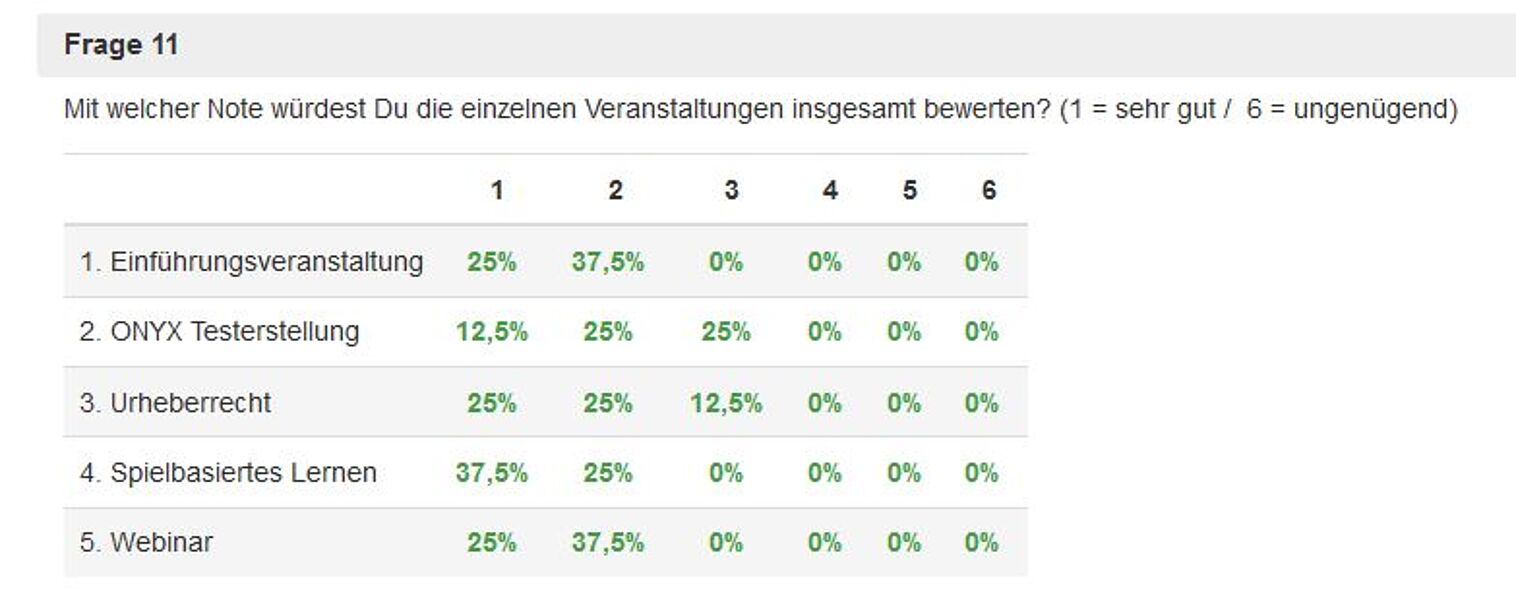
About the OPAL questionnairewhich can be accessed via the task pool in OPAL, statistical surveys can be carried out anonymously in the course. For example, feedback can be obtained on your own course.
Assign tasks
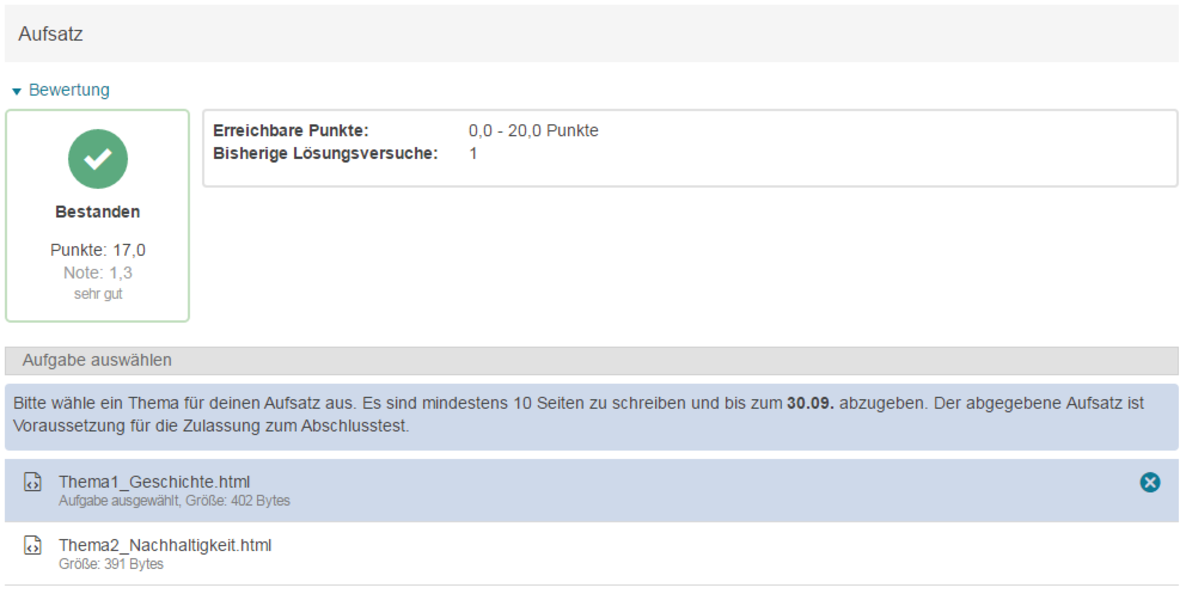
The OPAL course element Task makes it possible to assign one or more files with tasks specifically to learners or have them select them. Once selected, users can upload and submit solution files. The performance of each participant can be assessed separately and personal feedback can be given on their work(see source 1).
Provide self-study tests and supporting documents
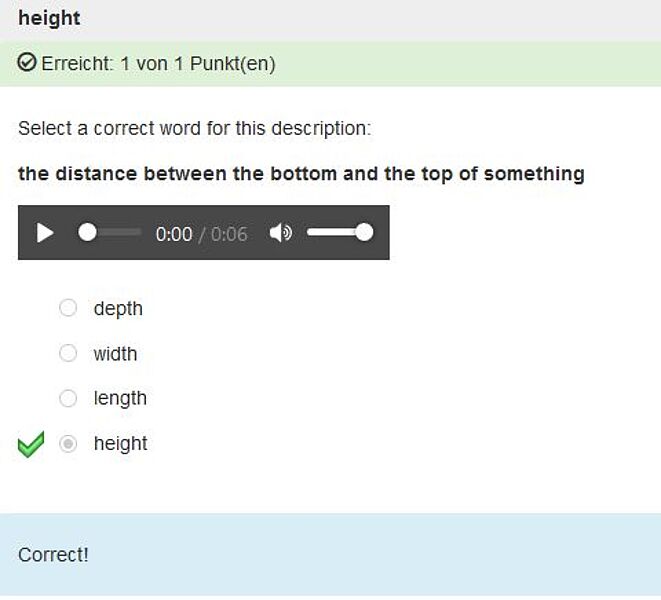
The task pool, which can be accessed via the "Teaching and learning" tab on OPAL, supports the entire e-assessment workflow, from task and test creation to the provision and evaluation of test and participant data. Tests can be used diagnostically (grading), formatively (accompanying) or summatively (evaluating)(see source 2). The underlying test system is called ONYX and in the ONYX user manual you can read how you can create tests in ONYX.
More information on "Testing and evaluation"
You can find out more about testing and assessment on the information pages of the Institute for Digital Teaching and Learning (IDLL).
Further links

Media Centre TU Dresden (2016): Digital teaching and learning in higher education.
Issue 2: More feedback for better teaching. Possibilities of e-assessment
Quellen
Quelle 1: Benutzerhandbuch OPAL der BPS Bildungsportal Sachsen GmbH, CCBY-SA 4.0
Quelle 2: Benutzerhandbuch ONYX Testsuite der BPS Bildungsportal GmbH, CCBY-SA 4.0
