
On this page you will learn how you can organise and supervise your courses efficiently with OPAL course elements, for example via the folder, which you can use to make materials available for download in a structured way. You will learn how to use the Appointments module to manage lecture and consultation appointments and how to use the Notifications module to communicate news to your students, which can also be sent automatically by e-mail. You will also be introduced to the BigBlueButton web conferencing system, which you can use to organise online teaching with video and audio transmission, chats, voting, whiteboard and file sharing.
Distribute materials
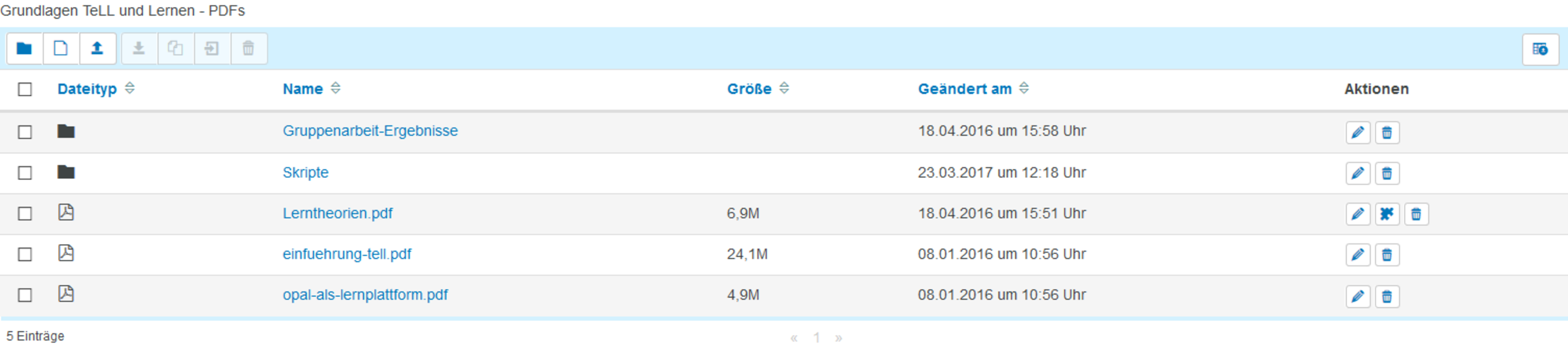
With the OPAL course element folder you can make materials of all formats available for download. The documents can also be released at a specific time or after an assignment has been completed.
Appointments allocated for presentations or consultation hours

The OPAL course element Appointment allocation allows the author to create a list of appointments in which students can enter their names. This can be used, for example, to distribute presentations or appointments for consultation hours. (see source 1)
Announce news
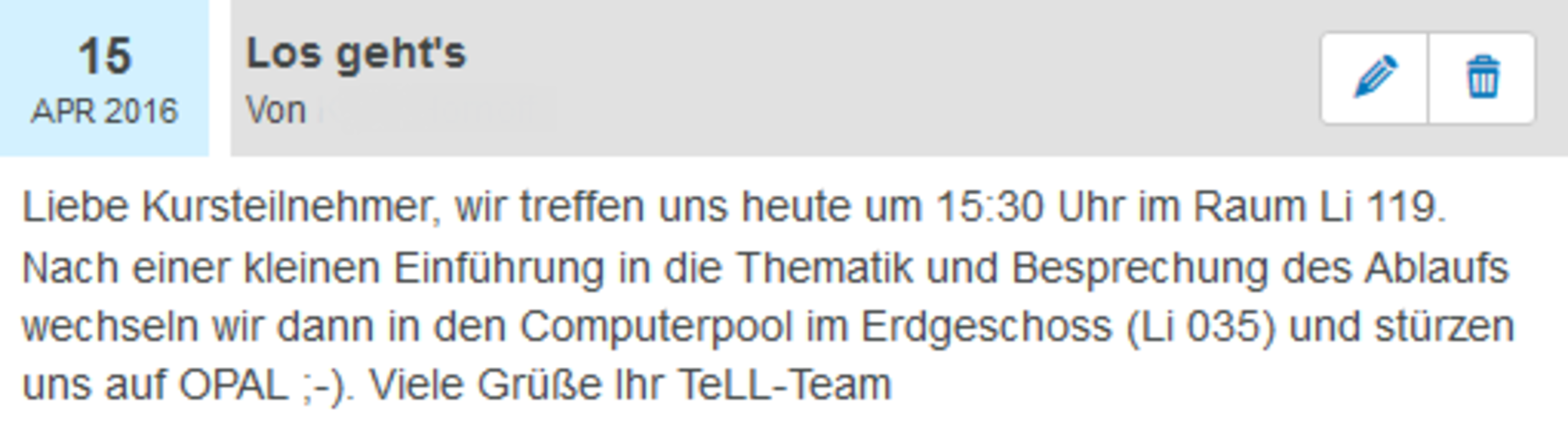
With the help of the OPAL course element Messagesyou can write news and important information for the course participants * These can also be subscribed to and are thus automatically sent to the recipients by e-mail.
Hold consultation hours
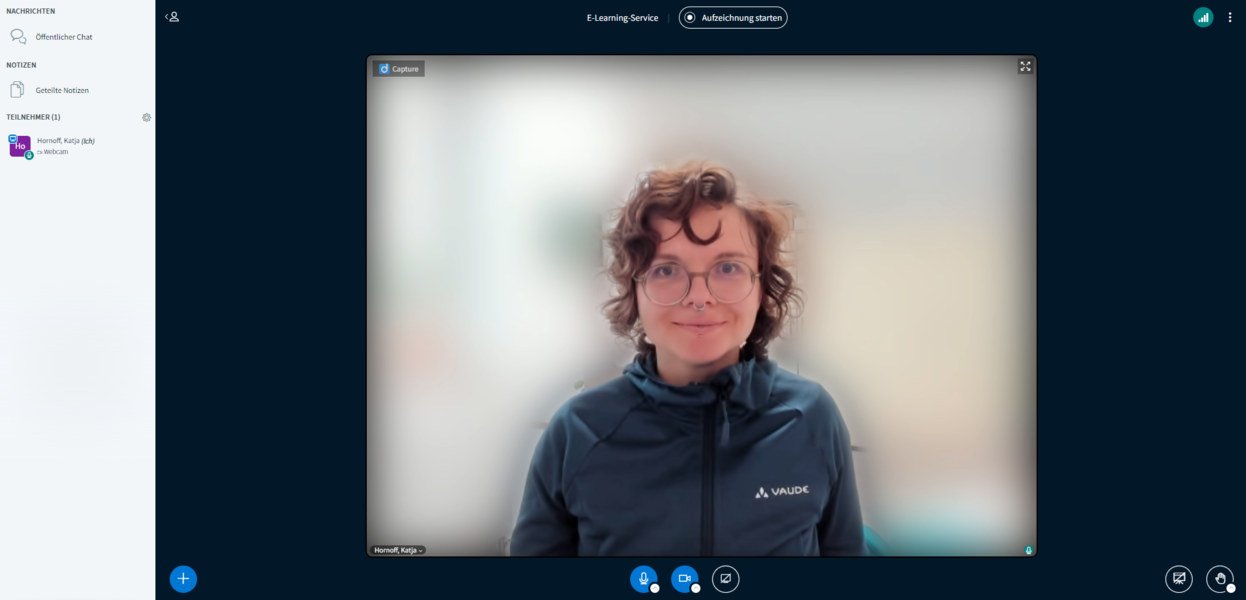
The Big Blue Button web conferencing system allows you to hold online consultations. This can be used to support students on a semester abroad, for example.
In addition to video and audio transmission, the application also allows file sharing, chats, voting or writing on a whiteboard.
